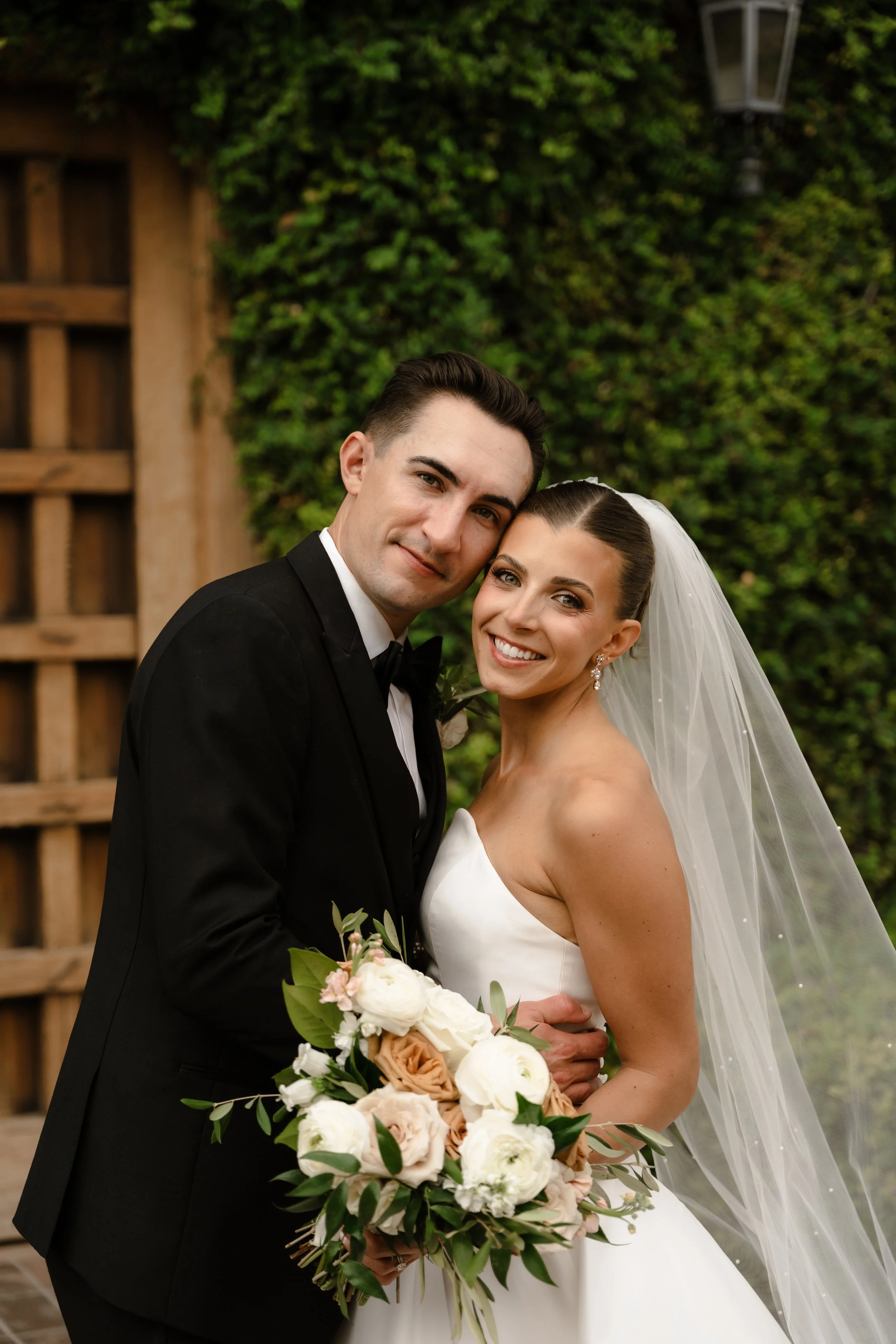
Briquelle Kayanne Presets - Effortlessly Yours Collection

$129.00

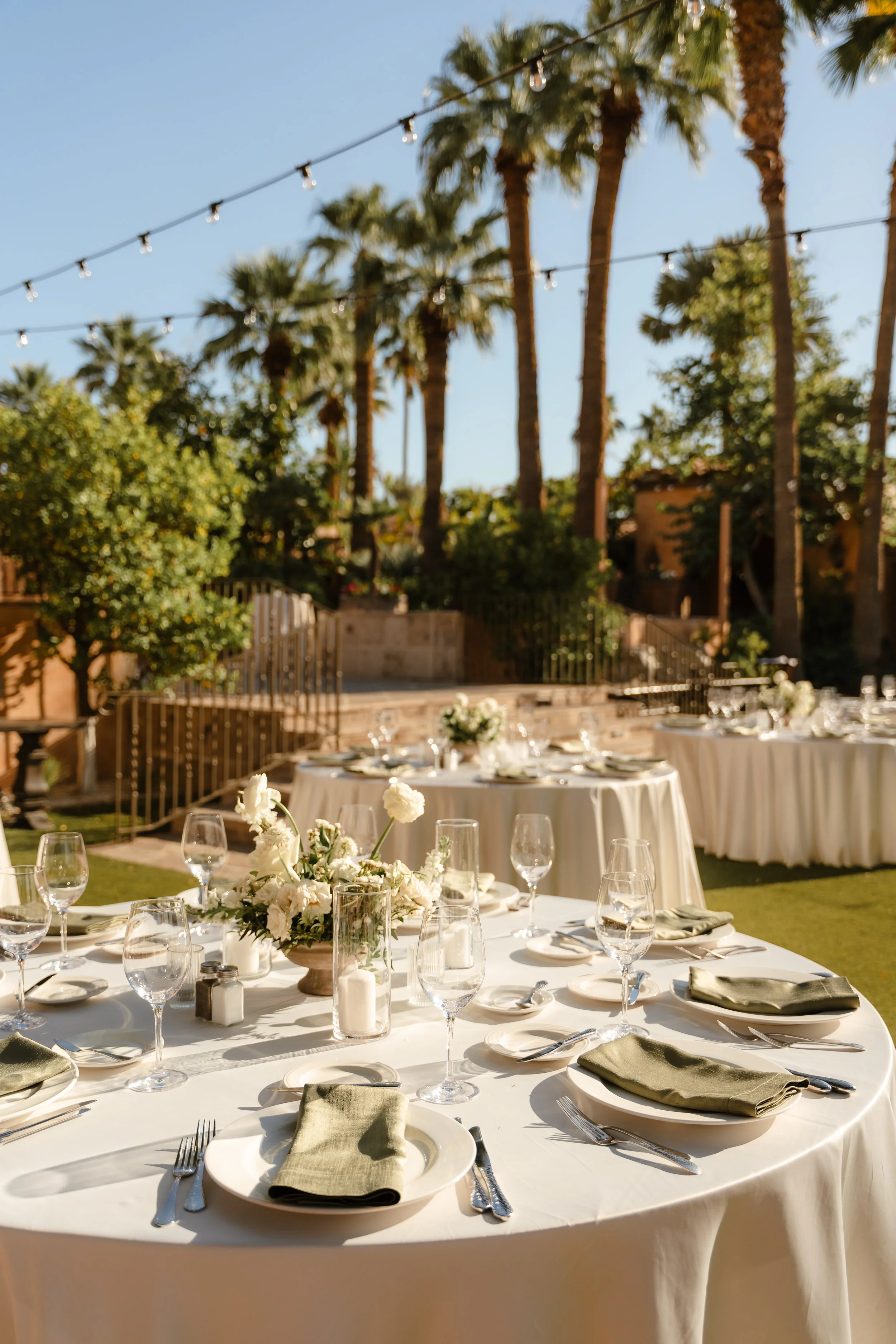
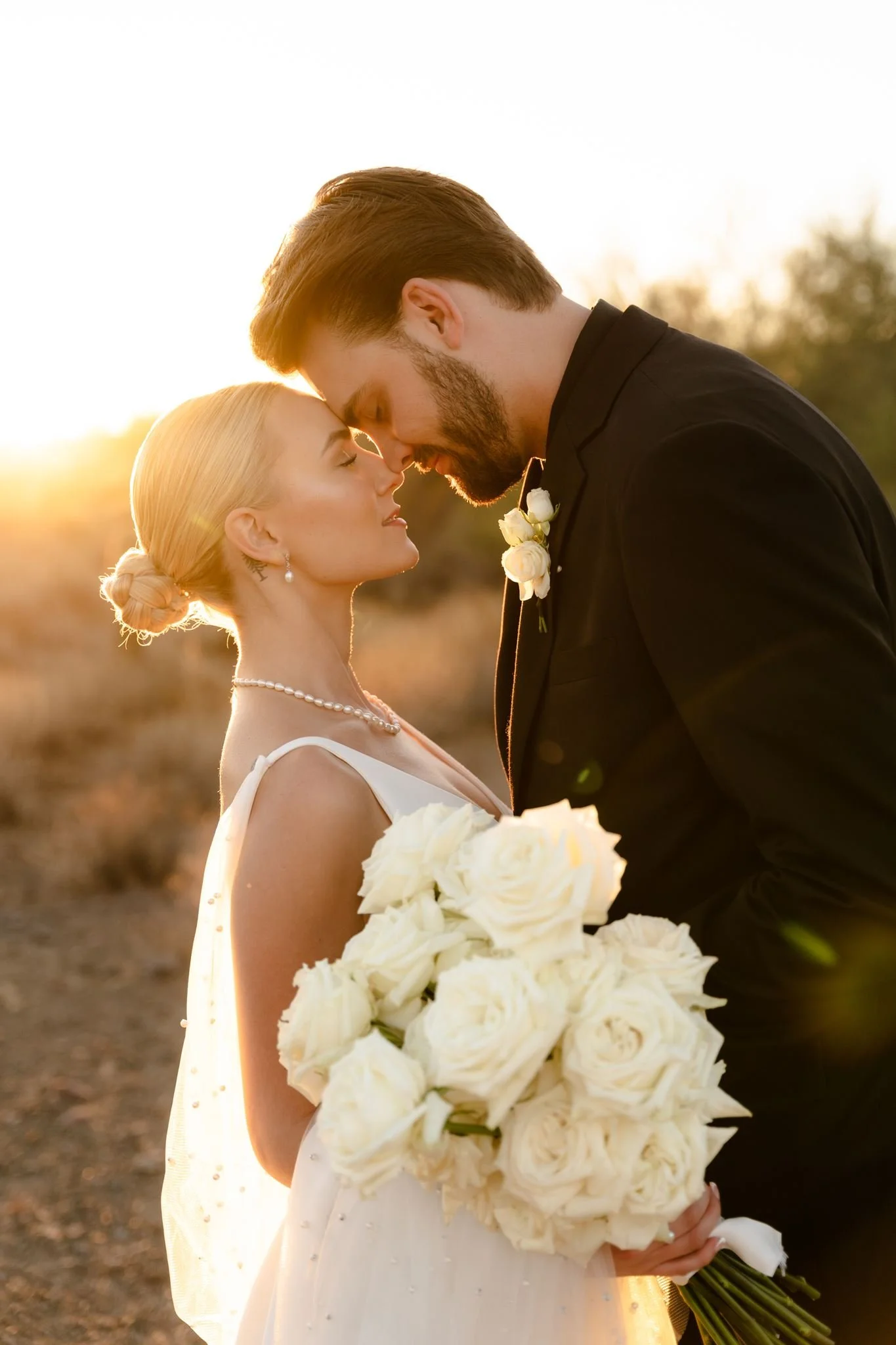
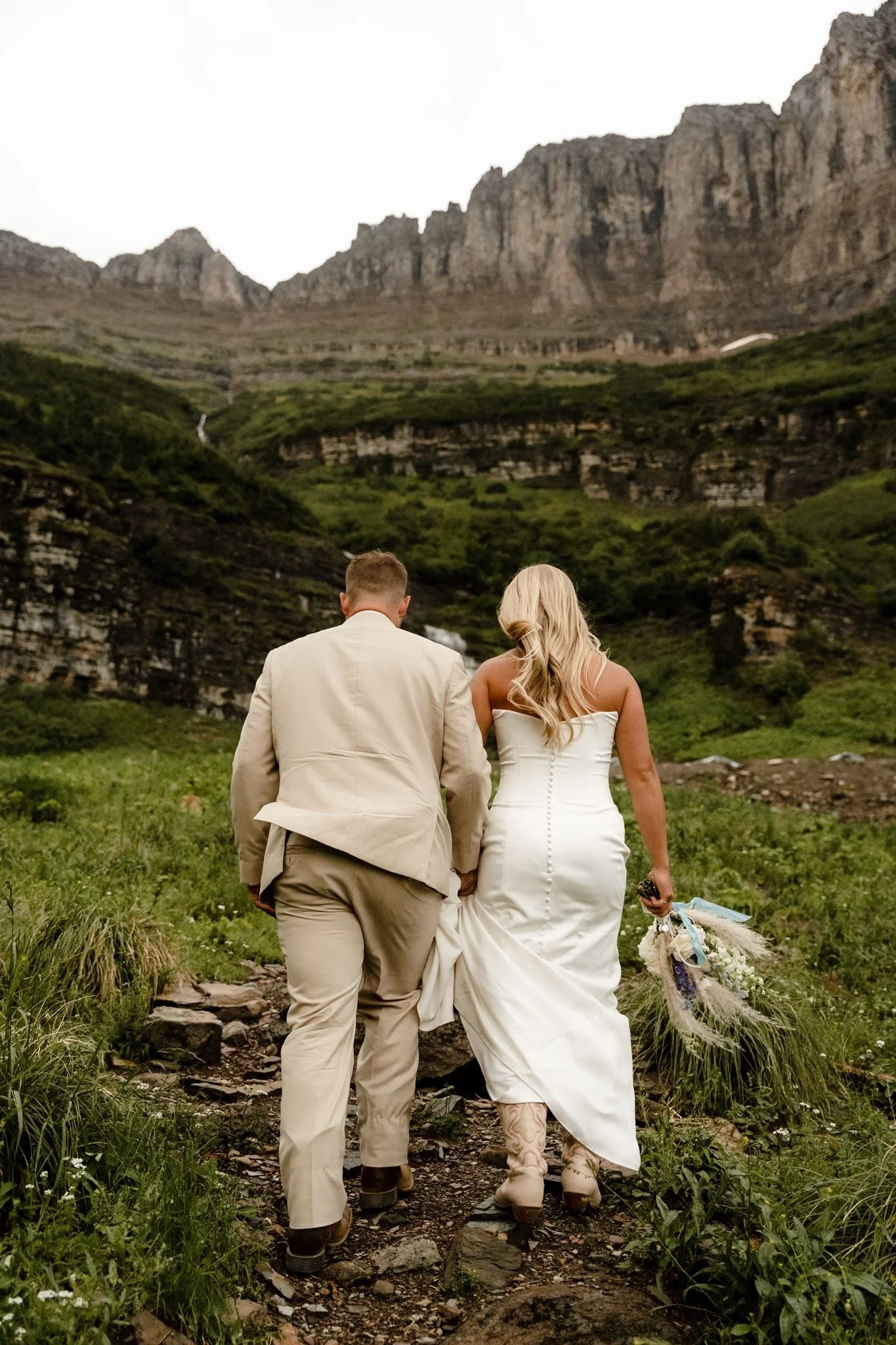
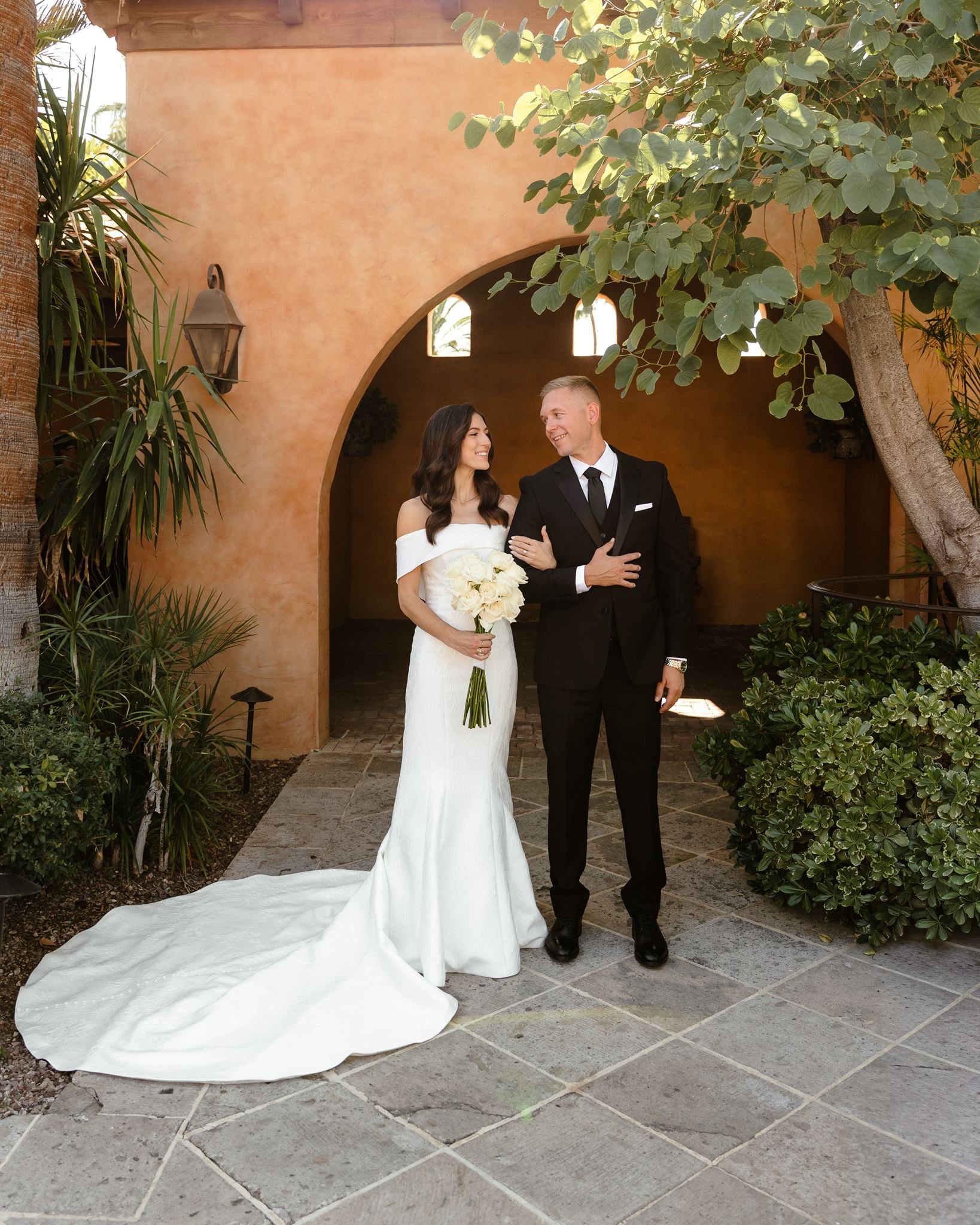
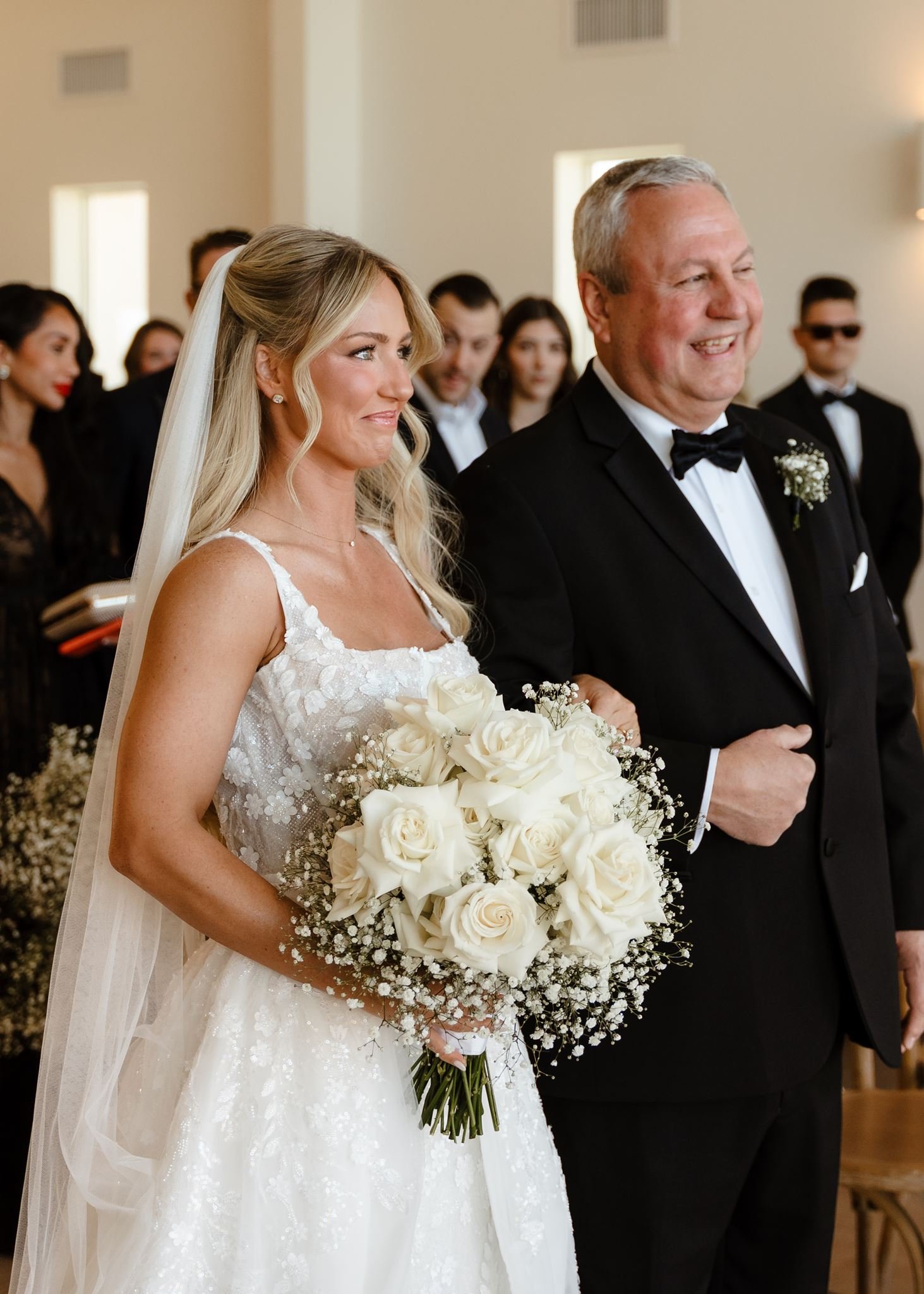
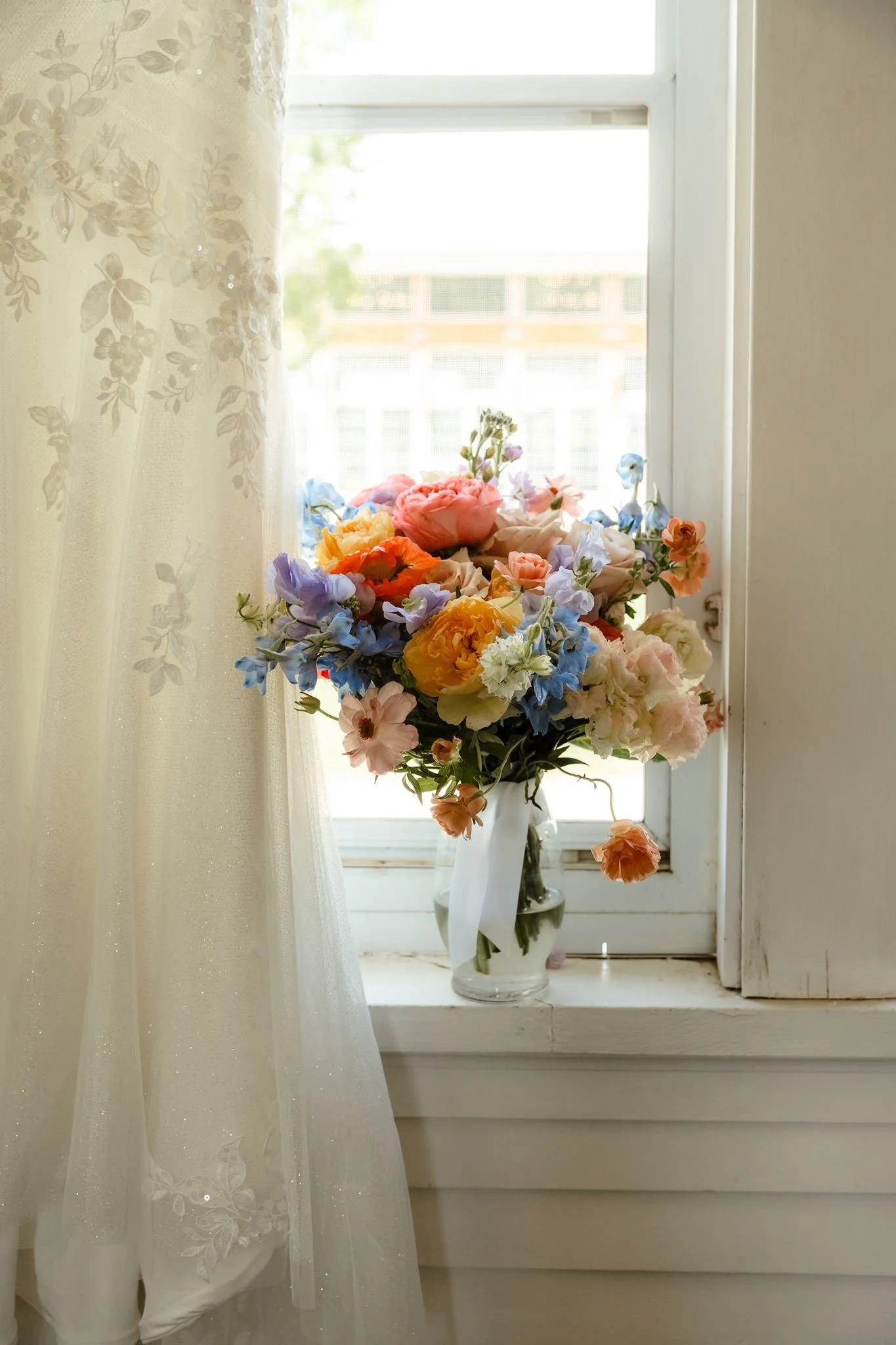
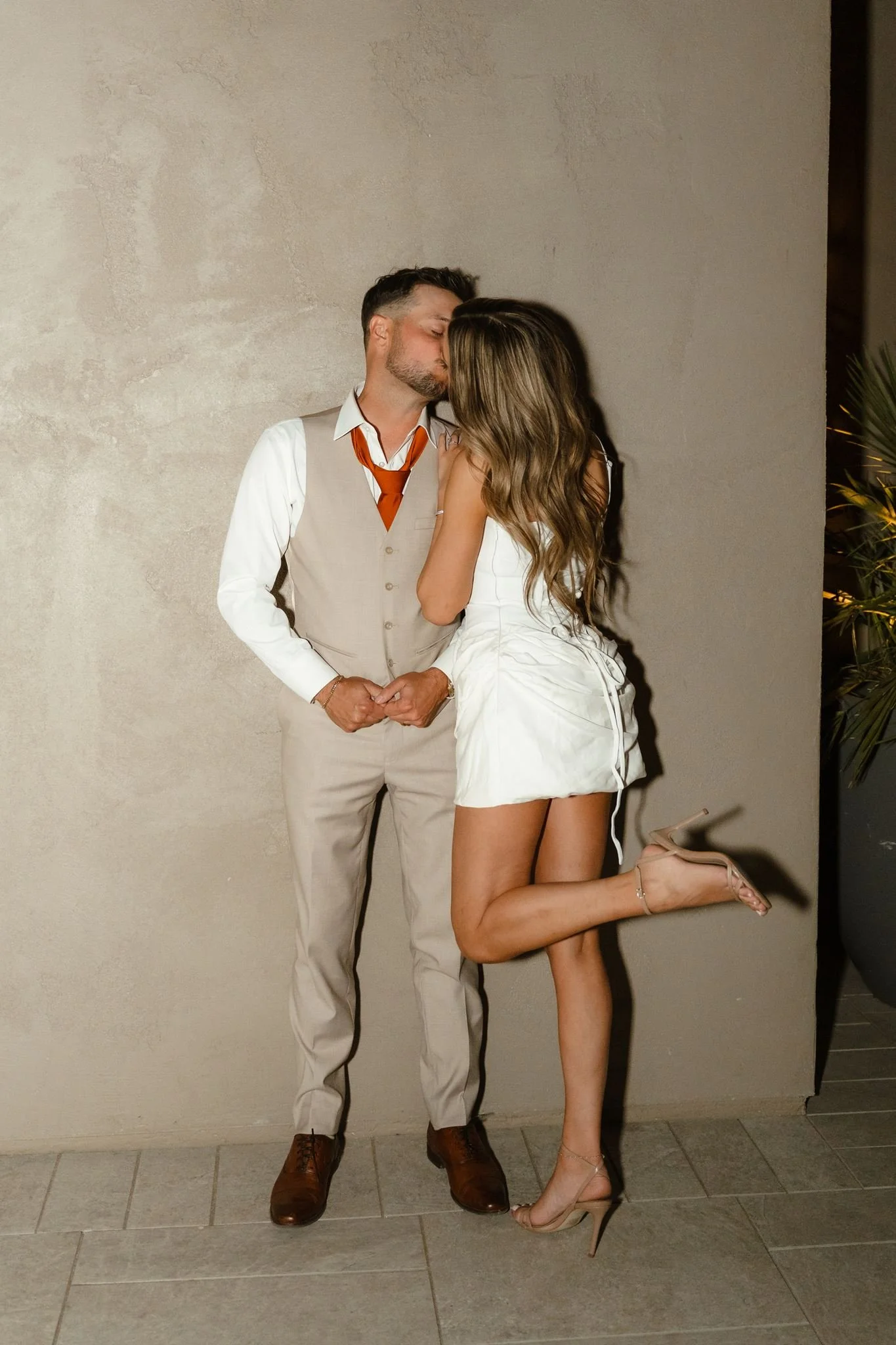
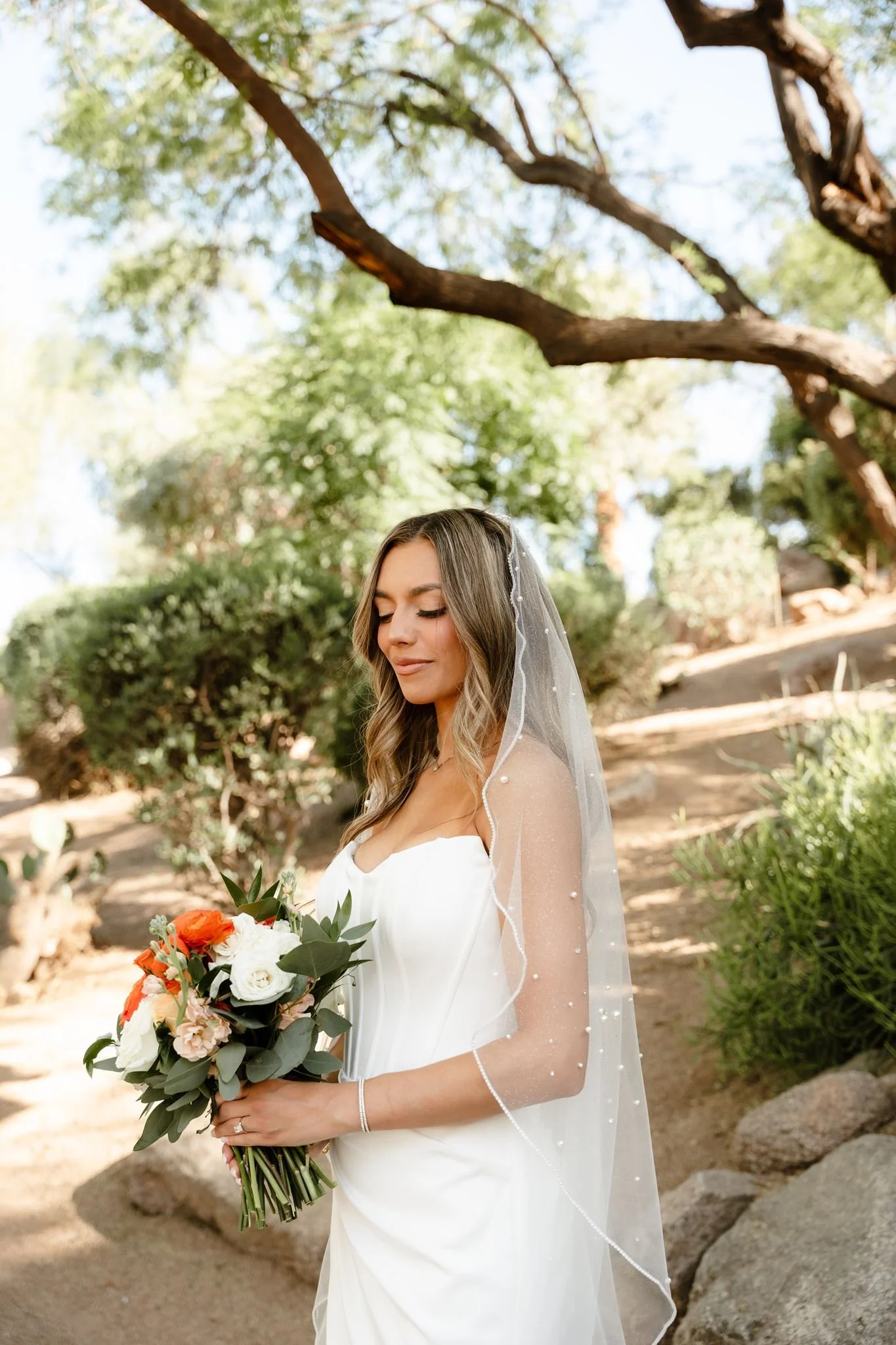
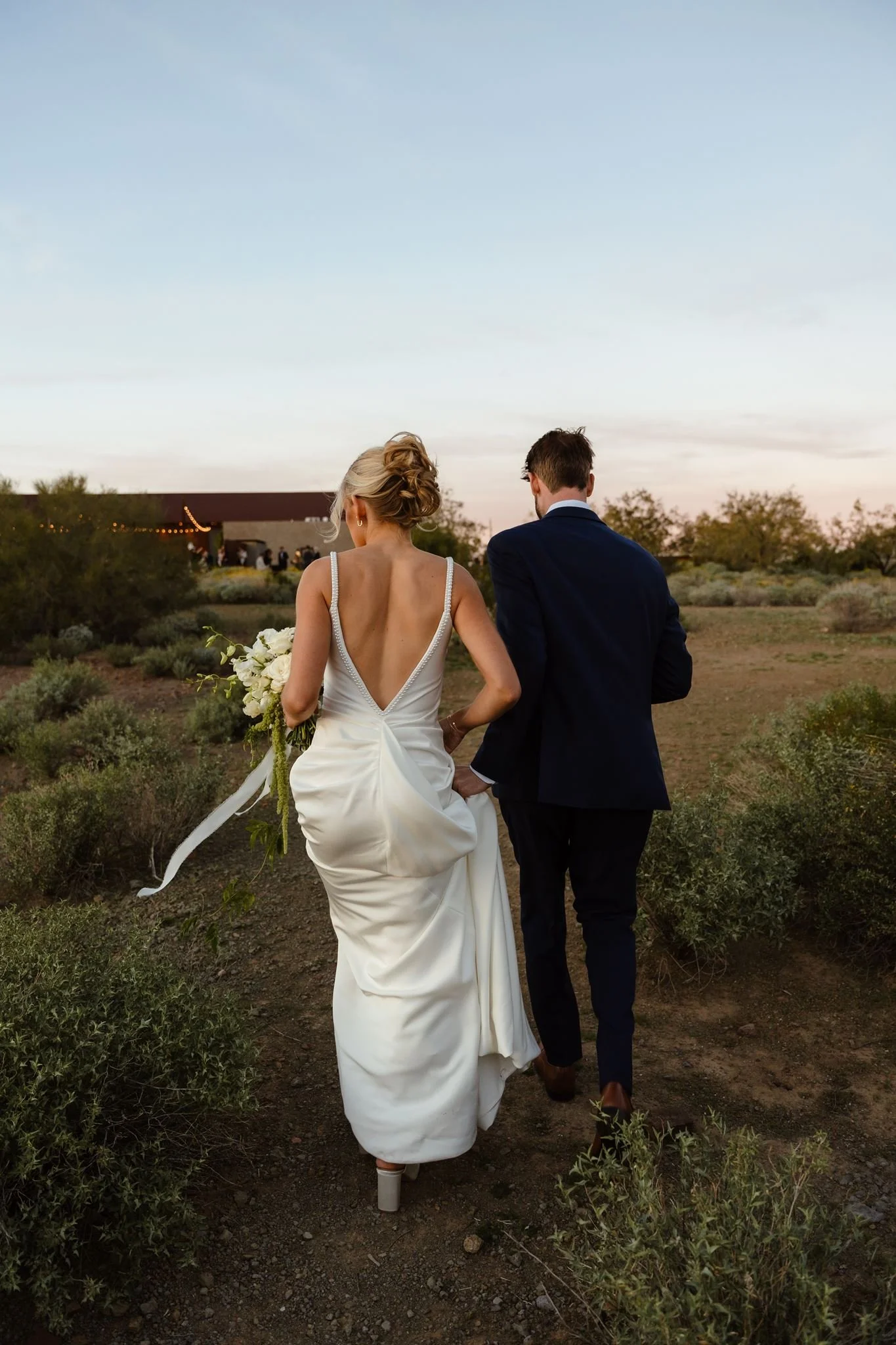
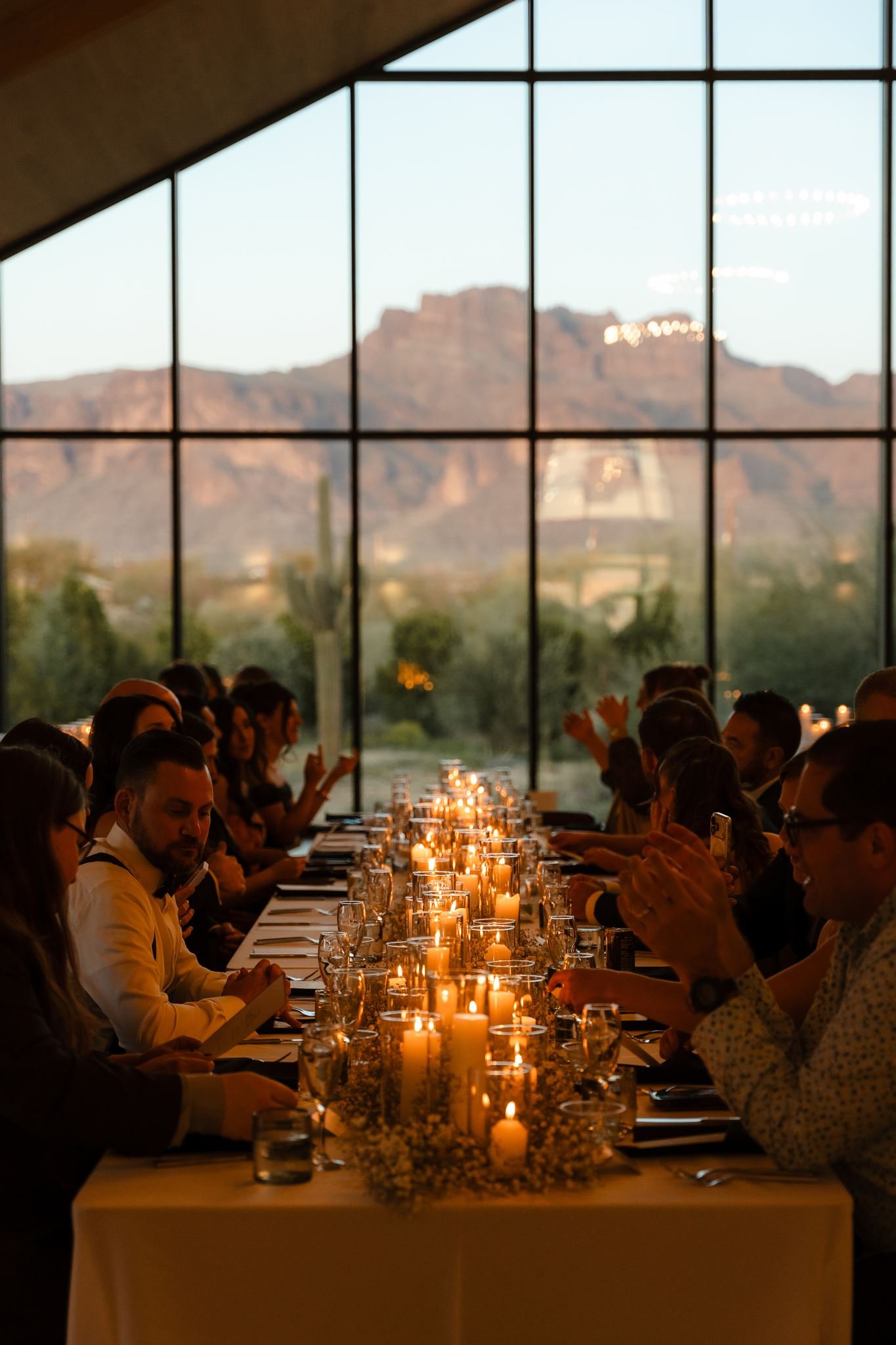
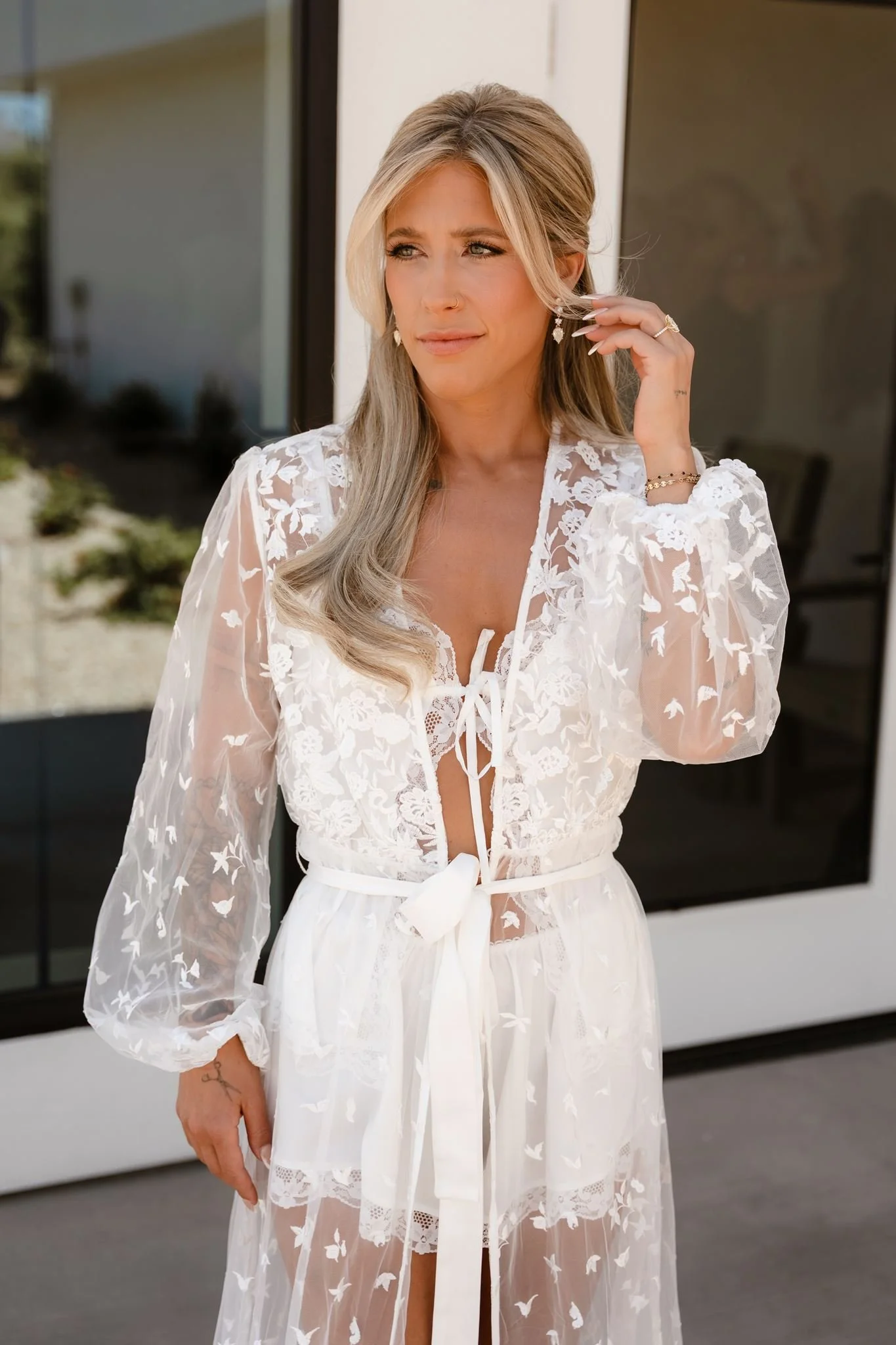
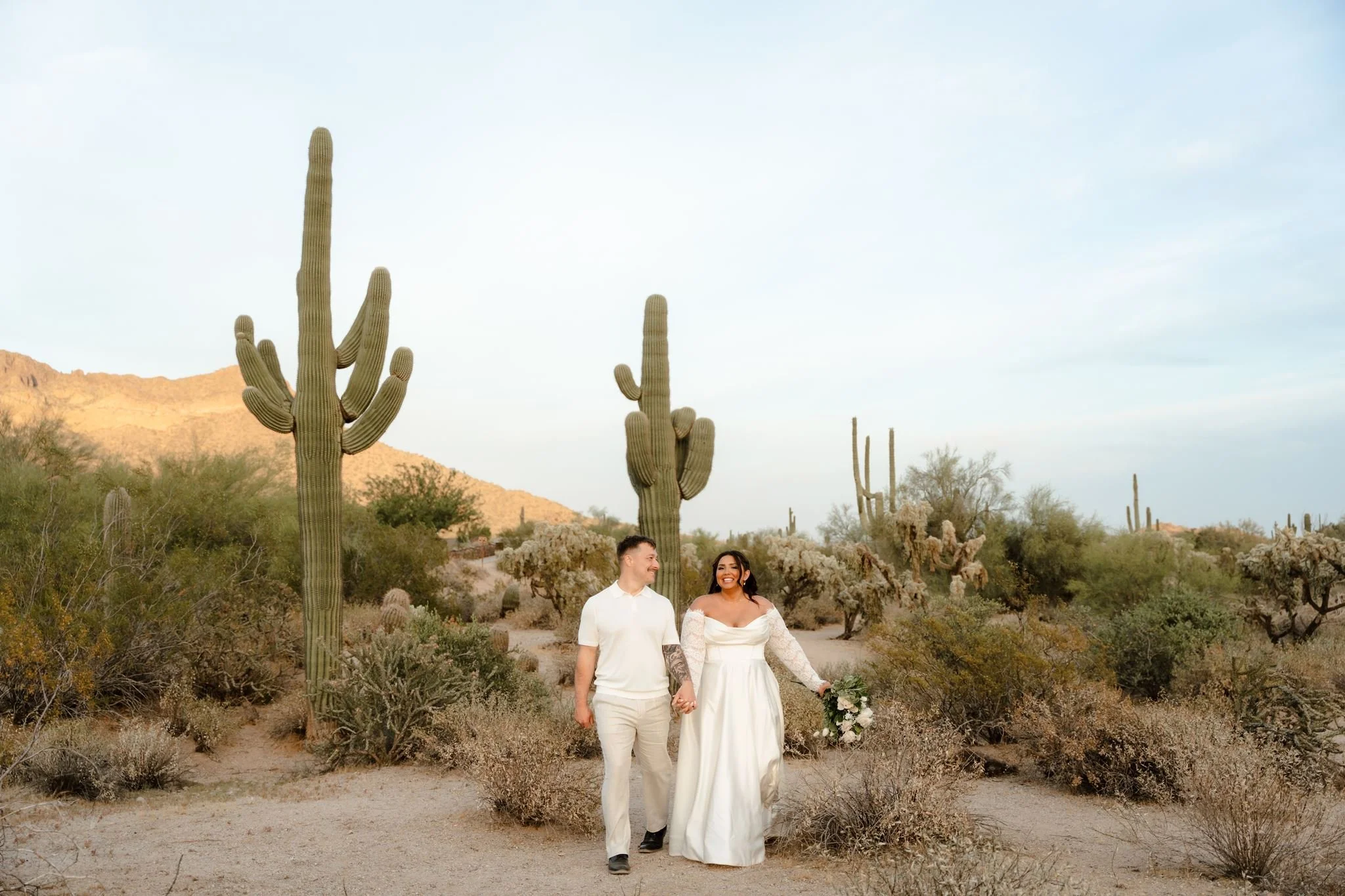
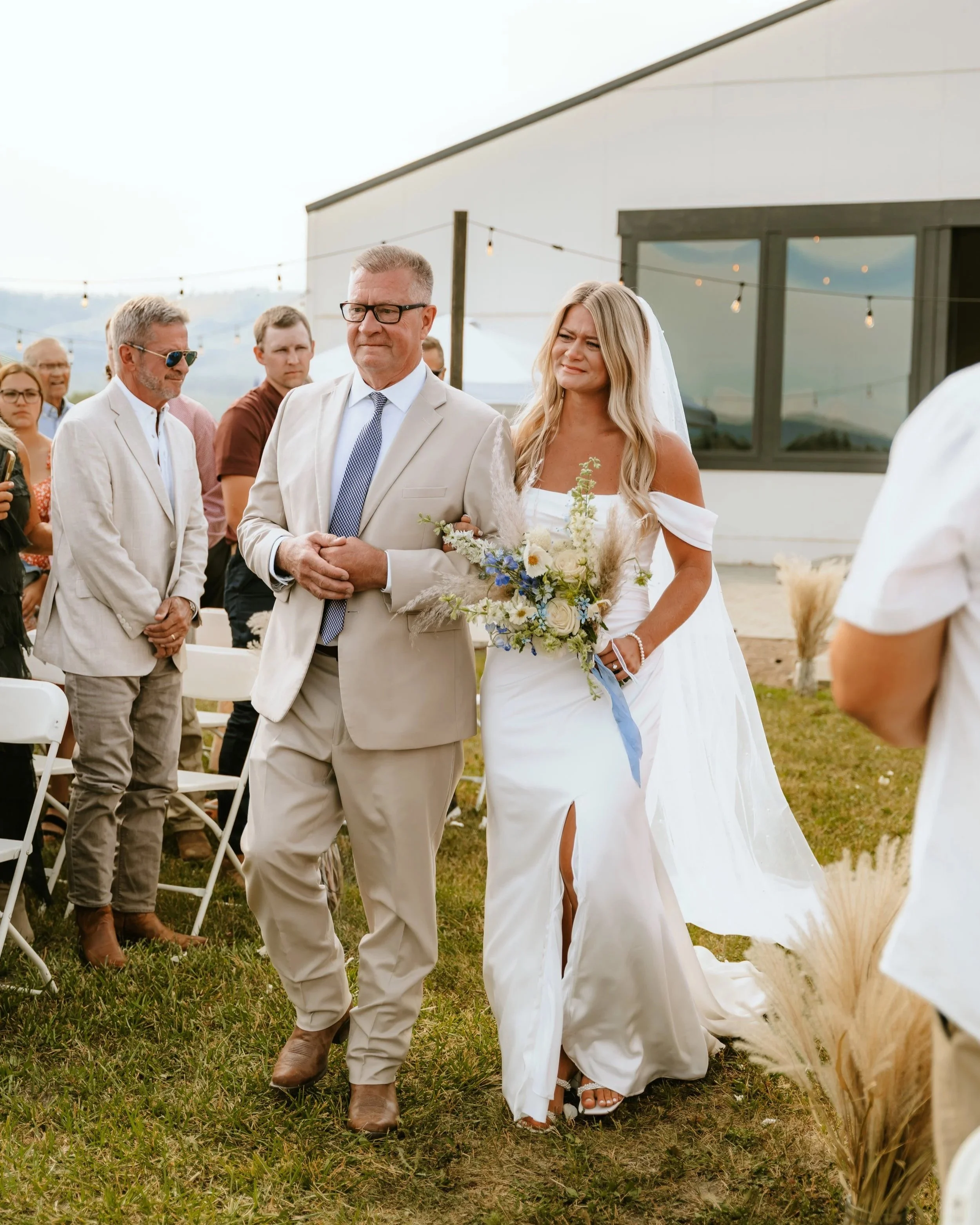
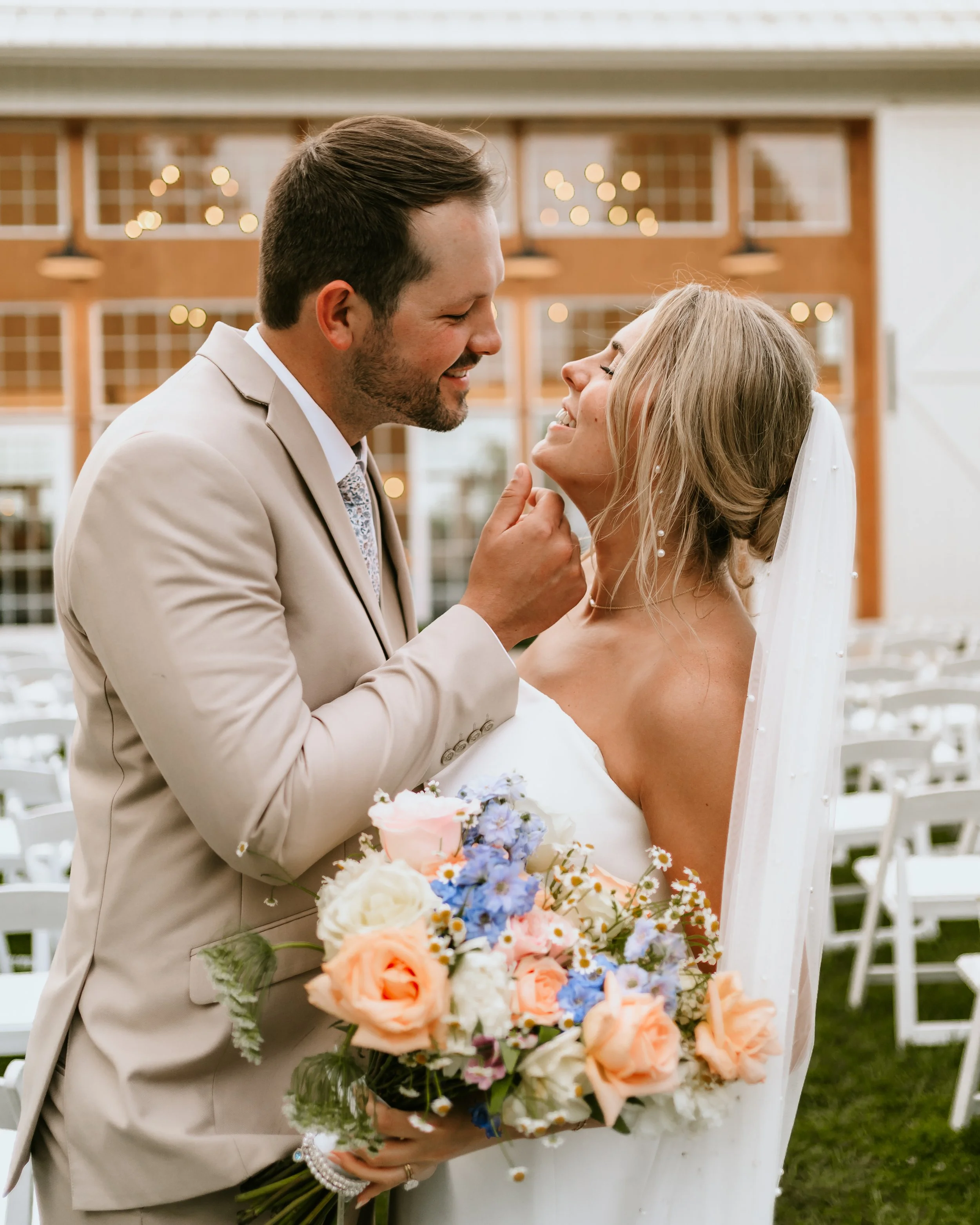
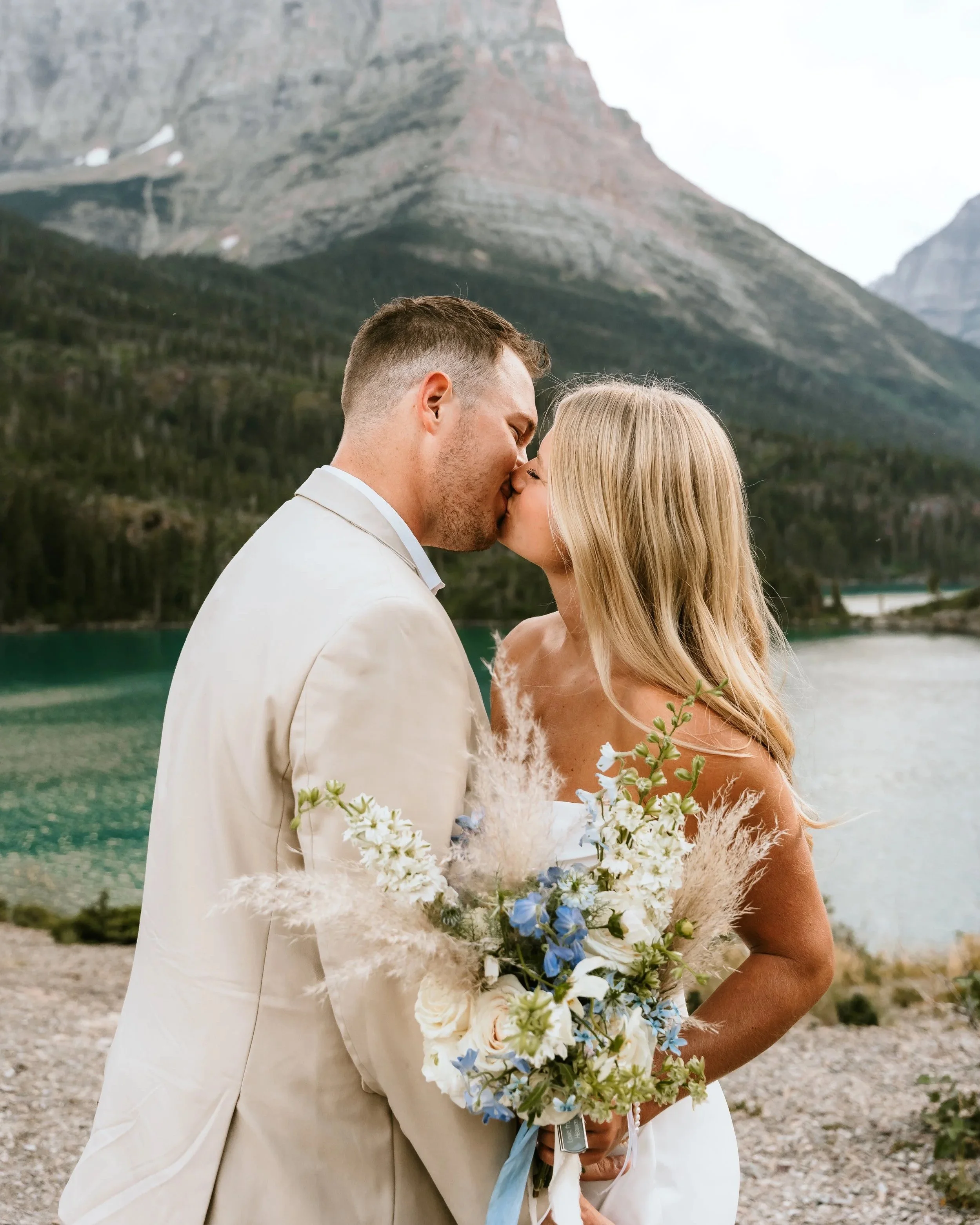
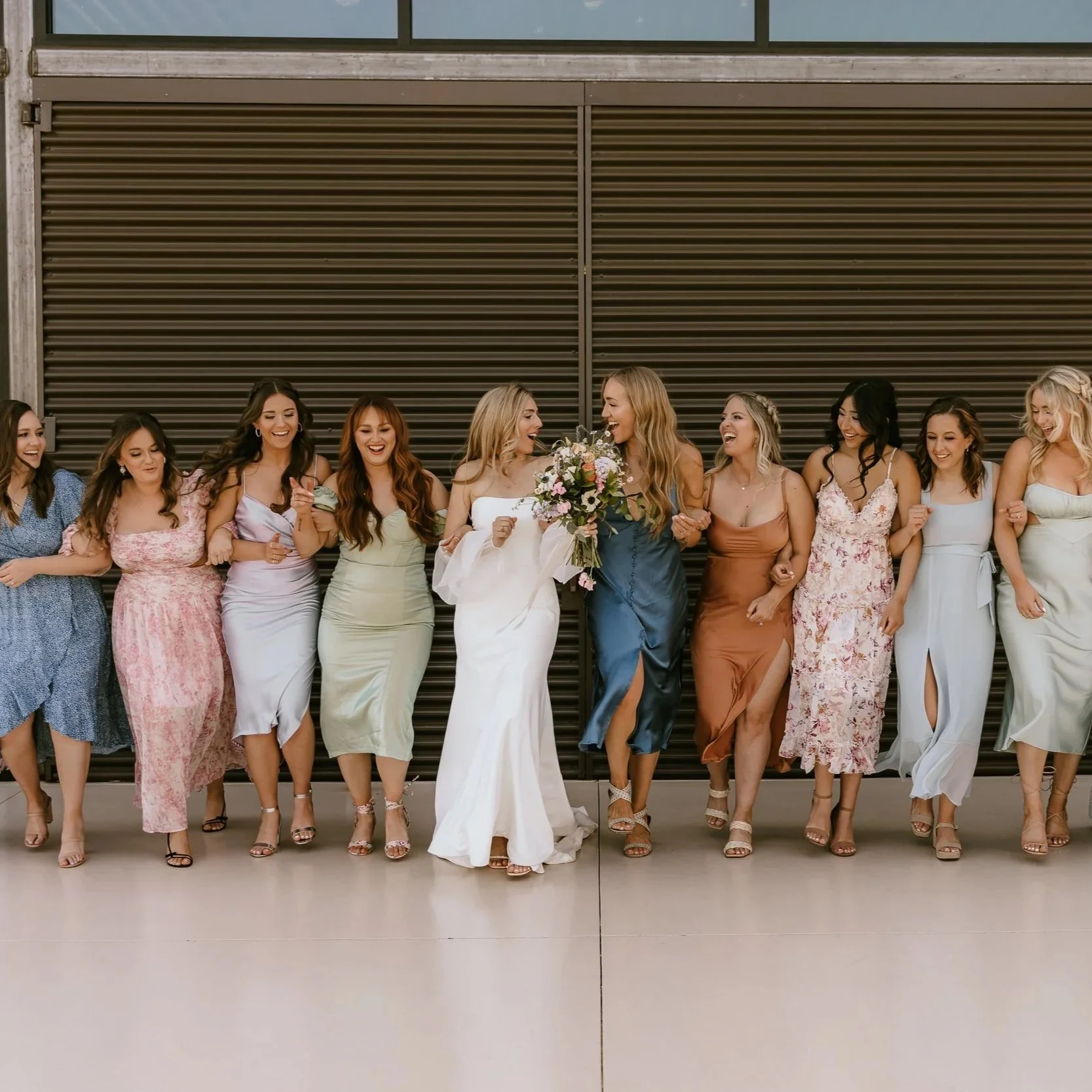
A subtle edit designed to softly enhance your photos. Inspired by the ever-changing light of a wedding day, this preset pack gently brightens images while adding rich depth and maintaining a timeless, true-to-color finish.

  • Creamy, flattering skin tones with natural color retention

  • Warm highlights without excessive orange tones

  • Rich neutrals that add slight warmth and depth

  • Soft contrast, adding dimension that is subtle yet elegant

  • Bright whites that remain clean and natural without losing detail

  • Consistent color across weddings, couples, and lifestyle sessions

What’s included: 4 Base Presets, 6 Workflow Tools, Editing Video Tutorial Access

Base Presets

  • Minimal – Subtly enhances photos while preserving your naturally captured white balance.

  • Minimal Warm – Subtly enhances photos with a touch of warmth.

  • Enhanced – A slightly richer edit with added depth and color.

  • Softened – Creates a more muted look with softer highlights and a refined finish.

Workflow Tools - make quick adjustments without having to rebuild an edit from scratch

Apply your base preset first, adjust exposure, white balance, and any other edits as needed. Finish by applying a workflow tool to fine-tune specific lighting or color challenges in that image.

  • Cool Down – Helps neutralize overly warm indoor lighting for a more natural appearance. (More temperature adjustments needed based on warmth of the space and kelvin used.)

  • Lift Dark Areas – Brightens dark shadows and blacks while restoring detail.

  • Natural White Balance – Quickly compare your original white balance with the preset’s suggested temperature to find the look you prefer.

  • Recover Sky – Gently restores detail in bright skies. 

  • Tone Down Greens – Softens overly saturated greens for a more natural, muted look.

  • White Clothing Fix – Reduces blue color casts in white clothing. (Additional adjustments may be needed for other blues present.)

Video Editing Tutorial | Found in the Preset Handbook PDF download

Follow along as I edit and explain my thought process in a 28-minute tutorial, giving you a behind-the-scenes look at how I choose presets, make adjustments, and fine-tune each image.

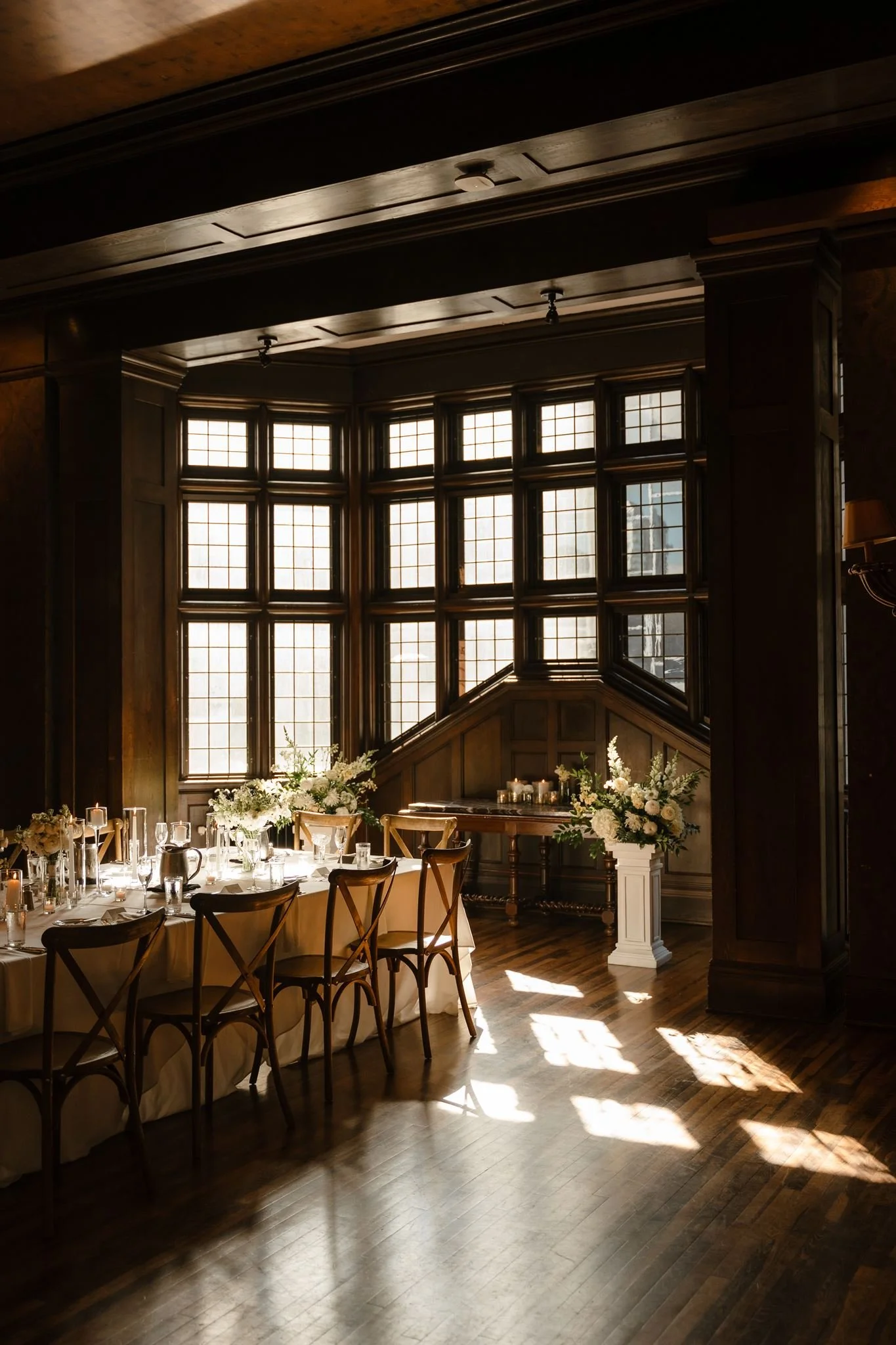
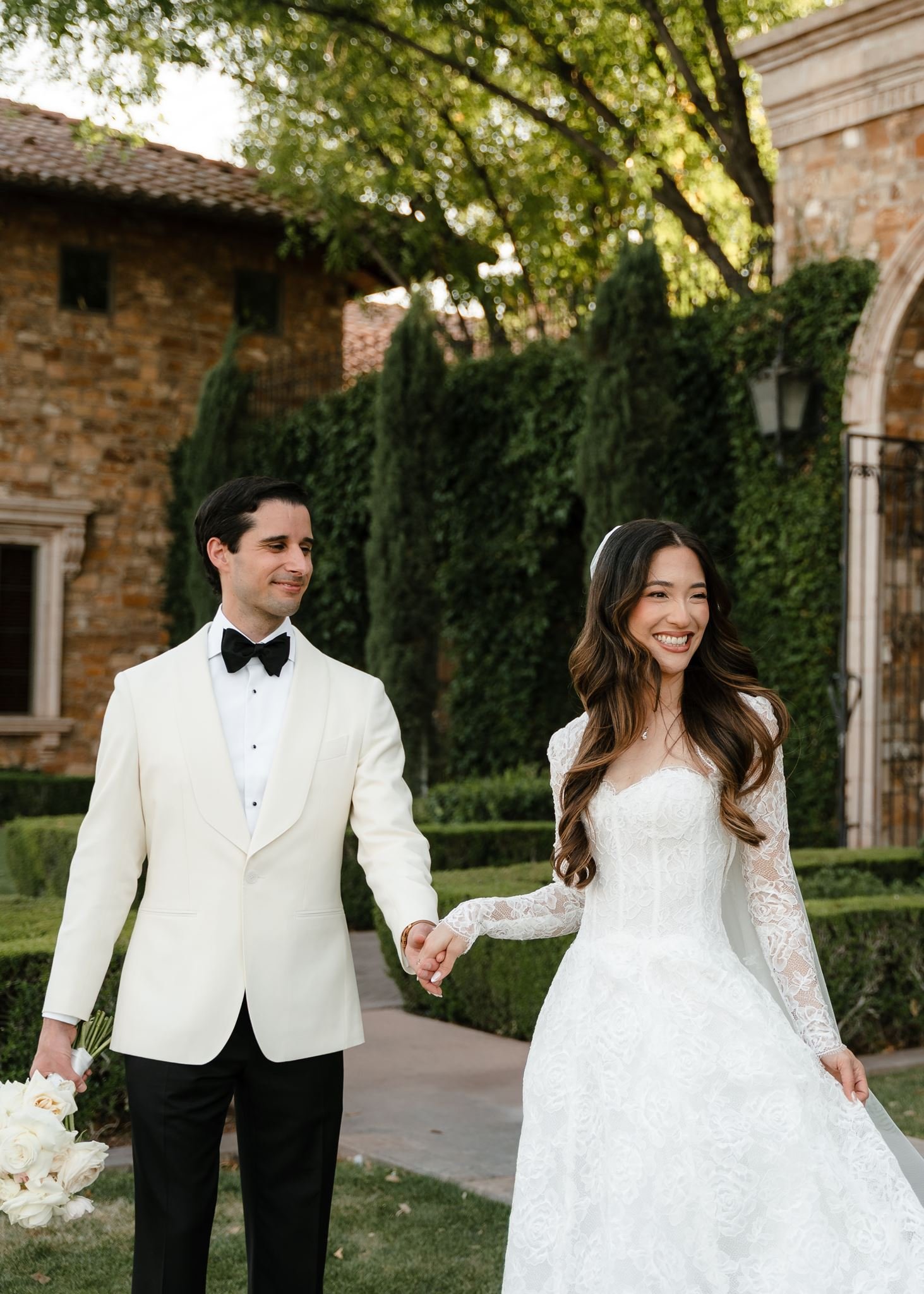
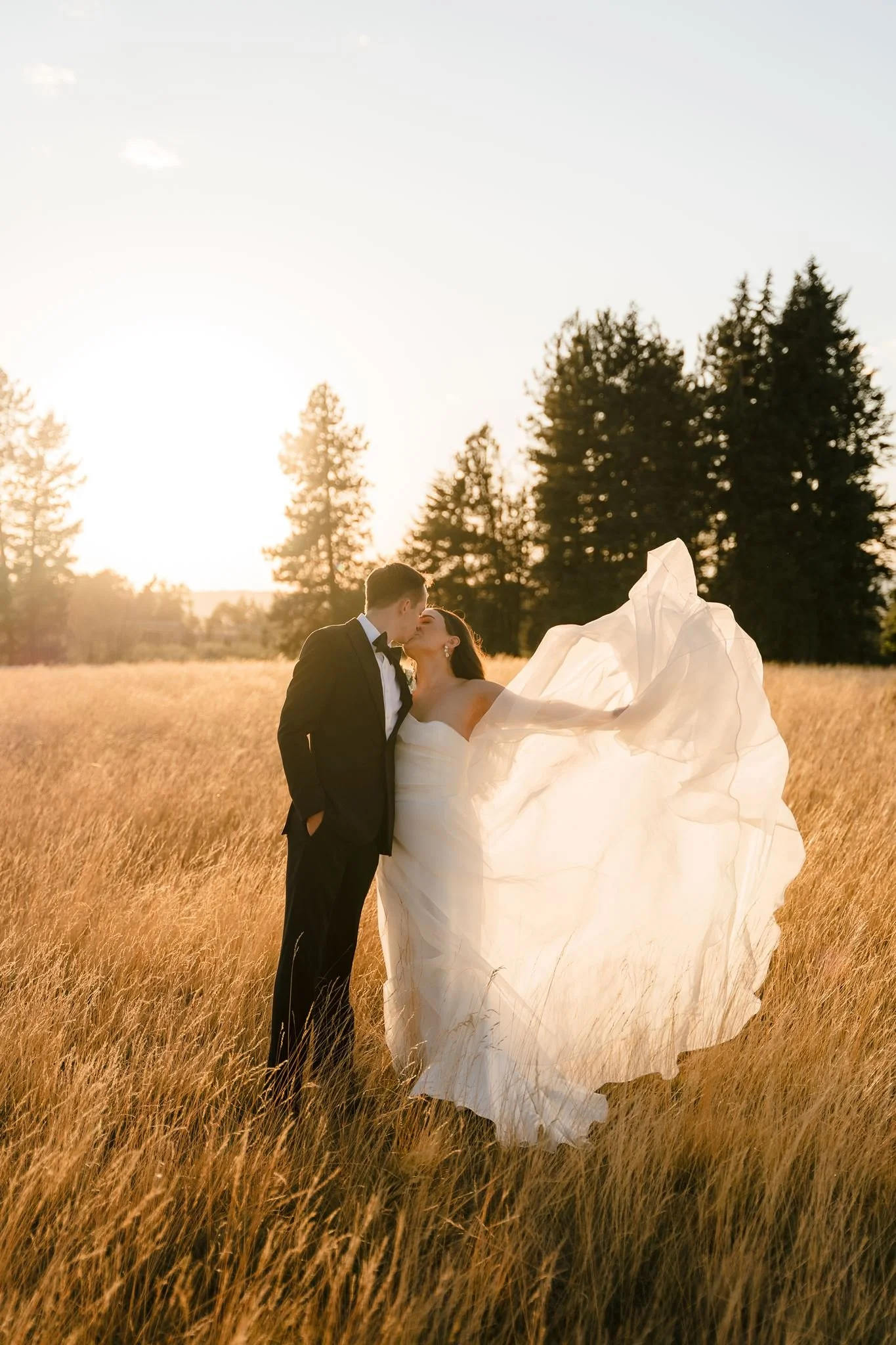
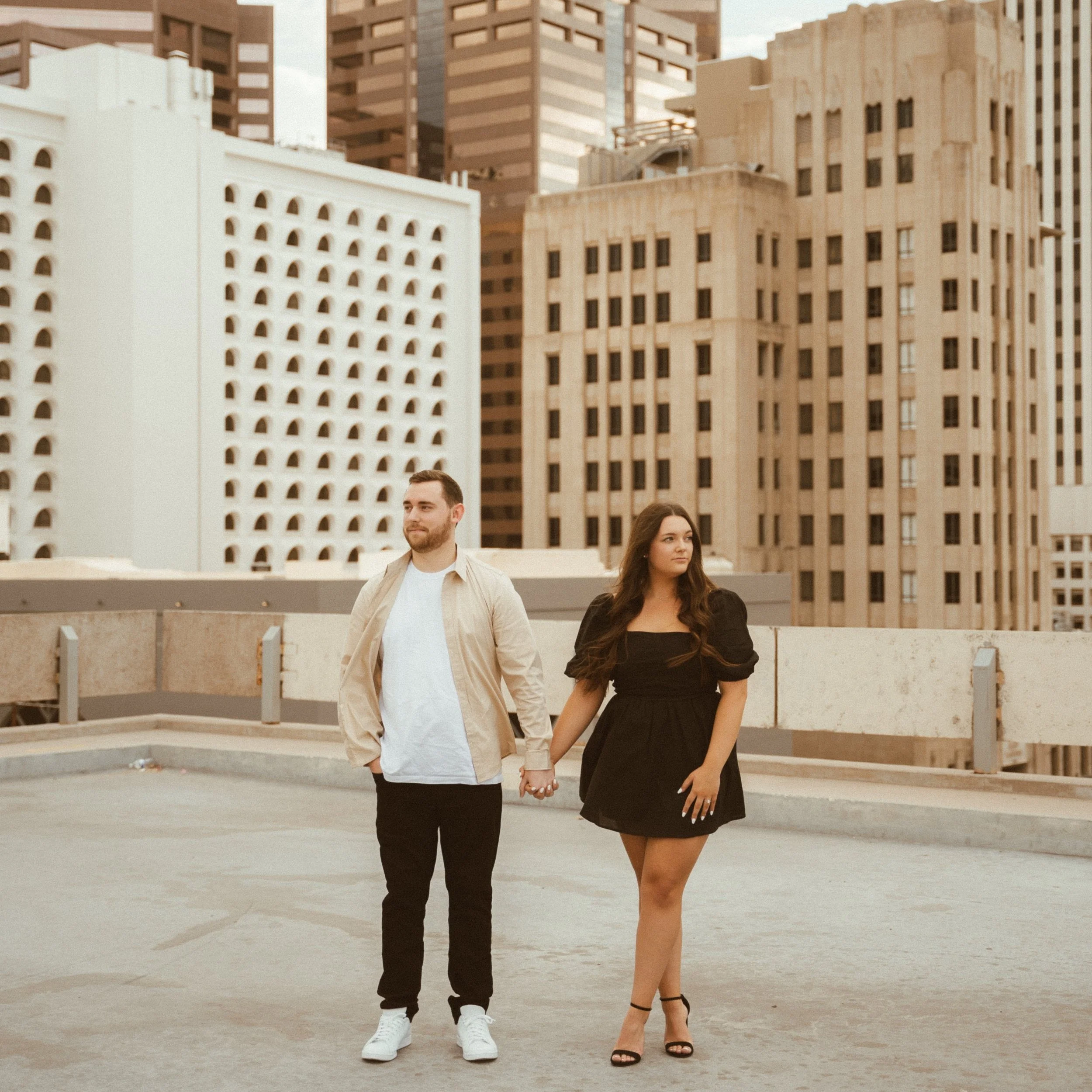
The following types of photos are edited in the video: Shade, Blue hour, Golden hour, Midday backlit, Midday direct light, Indoor natural light, Flash, Overcast, Lots of greenery, Natural light studio

*Your purchase includes a complimentary editing tutorial to help you get the most from your presets. The video will likely open in a Chrome browser. While I plan to keep this resource available, I reserve the right to update, replace, or discontinue the tutorial at any time.

*Presets are designed for RAW images for best results.

*Preset file type includes XMP files.

*All sales are final and non-refundable.

A subtle edit designed to softly enhance your photos. Inspired by the ever-changing light of a wedding day, this preset pack gently brightens images while adding rich depth and maintaining a timeless, true-to-color finish.

  • Creamy, flattering skin tones with natural color retention

  • Warm highlights without excessive orange tones

  • Rich neutrals that add slight warmth and depth

  • Soft contrast, adding dimension that is subtle yet elegant

  • Bright whites that remain clean and natural without losing detail

  • Consistent color across weddings, couples, and lifestyle sessions

What’s included: 4 Base Presets, 6 Workflow Tools, Editing Video Tutorial Access

Base Presets

  • Minimal – Subtly enhances photos while preserving your naturally captured white balance.

  • Minimal Warm – Subtly enhances photos with a touch of warmth.

  • Enhanced – A slightly richer edit with added depth and color.

  • Softened – Creates a more muted look with softer highlights and a refined finish.

Workflow Tools - make quick adjustments without having to rebuild an edit from scratch

Apply your base preset first, adjust exposure, white balance, and any other edits as needed. Finish by applying a workflow tool to fine-tune specific lighting or color challenges in that image.

  • Cool Down – Helps neutralize overly warm indoor lighting for a more natural appearance. (More temperature adjustments needed based on warmth of the space and kelvin used.)

  • Lift Dark Areas – Brightens dark shadows and blacks while restoring detail.

  • Natural White Balance – Quickly compare your original white balance with the preset’s suggested temperature to find the look you prefer.

  • Recover Sky – Gently restores detail in bright skies. 

  • Tone Down Greens – Softens overly saturated greens for a more natural, muted look.

  • White Clothing Fix – Reduces blue color casts in white clothing. (Additional adjustments may be needed for other blues present.)

Video Editing Tutorial | Found in the Preset Handbook PDF download

Follow along as I edit and explain my thought process in a 28-minute tutorial, giving you a behind-the-scenes look at how I choose presets, make adjustments, and fine-tune each image.

The following types of photos are edited in the video: Shade, Blue hour, Golden hour, Midday backlit, Midday direct light, Indoor natural light, Flash, Overcast, Lots of greenery, Natural light studio

*Your purchase includes a complimentary editing tutorial to help you get the most from your presets. The video will likely open in a Chrome browser. While I plan to keep this resource available, I reserve the right to update, replace, or discontinue the tutorial at any time.

*Presets are designed for RAW images for best results.

*Preset file type includes XMP files.

*All sales are final and non-refundable.

Installing your Briquelle Kayanne Presets

Step 1: Download Your Preset Pack

Presets can be purchased on any device, but downloading on a computer is highly recommended.

After purchase, download the file: Briquelle Kayanne Presets – Effortlessly Yours Collection.zip

You should be able to choose the download location, but if not, once downloaded, locate the file in your Downloads folder.

*Save this file to a memorable folder location so you don’t lose it. I recommend saving to a backup drive as well.

Step 2: Unzip the file if it doesn’t automatically unzip when downloaded

The file should automatically unzip once it’s saved to your computer. If it doesn’t automatically unzip, follow the instructions below.

On Mac:

  • Double-click the zip file.

  • A new folder will appear with the same name: Briquelle Kayanne Presets – Effortlessly Yours Collection

On Windows:

  • Right-click the zip file.

  • Select Extract All.

  • Choose where you would like to save the extracted folder.

After unzipping, open the folder. Inside you will find:

  • Briquelle Kayanne Presets.zip (your preset files are inside) DO NOT OPEN OR UNZIP YET

  • Preset Handbook.pdf

Step 3: Open Lightroom

Open Adobe Lightroom or Lightroom Classic.

Make sure you are using the most updated version of Lightroom. A paid Adobe Lightroom subscription is required to use XMP presets.

Step 4: Import Your Presets

Lightroom Classic

  1. Open Lightroom Classic.

  2. Go to the Develop module.

  3. In the Presets panel, click the + icon.

  4. Select Import Presets.

  5. Locate the folder:
    Briquelle Kayanne Presets.zip

  6. Select the zipped folder and click Import.

Important: Do not open Briquelle Kayanne Presets.zip and select individual preset files. Importing the folder in LR keeps your presets organized together as one collection.

Lightroom (Desktop)

  1. Open Lightroom.

  2. Click the Presets icon in the editing panel.

  3. Click the three dots (…) at the top of the Presets panel.

  4. Select Import Presets.

  5. Select the zipped file named:
    Briquelle Kayanne Presets.zip

  6. Click Import.

Important: Do not open Briquelle Kayanne Presets.zip and select individual preset files. Importing the folder keeps your presets organized together as one collection.

Step 5: Find Your Presets

After importing, your presets will appear in the Presets panel under a single group named:

Briquelle Kayanne Presets

Your full collection will be organized inside this folder for easy access.

A Note About The Preset Handbook

Don’t forget to open your Preset Handbook PDF included in your download. This is where you will have access to the editing tutorial video, preset information, and additional editing tips.

A Note About Mobile Lightroom

If you want to use these presets on Lightroom Mobile, import them into Lightroom on your desktop first while signed into the same Adobe account. Once synced, they will automatically appear in Lightroom Mobile.